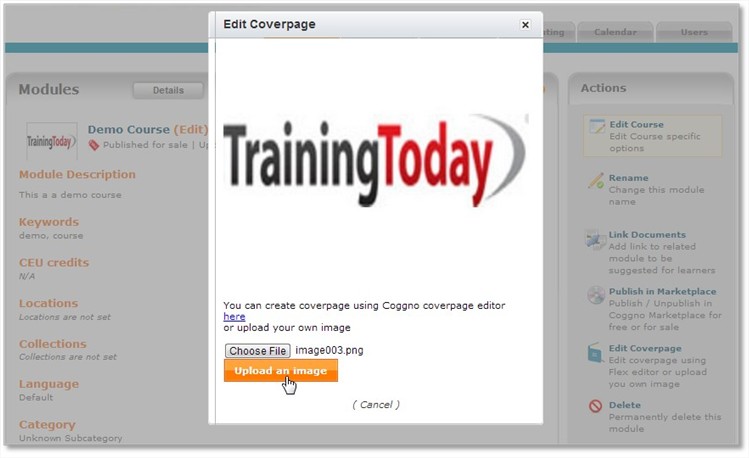
To Change the Coverpage on a module/course on your Page, please do the following steps:
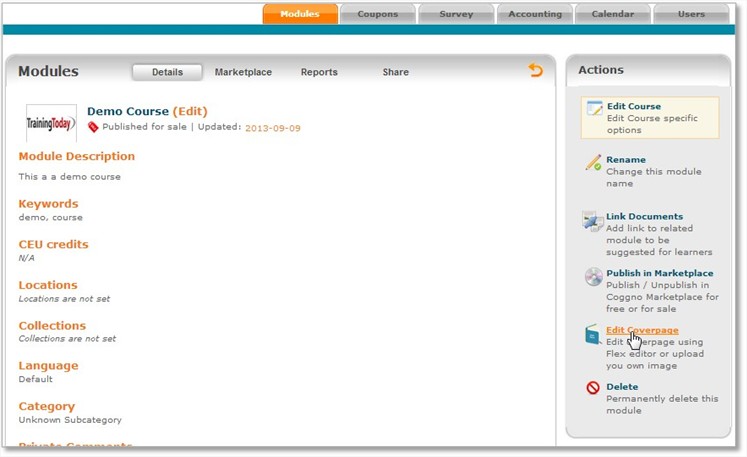
1. Open your course then Click on the "Edit Coverpage" link.
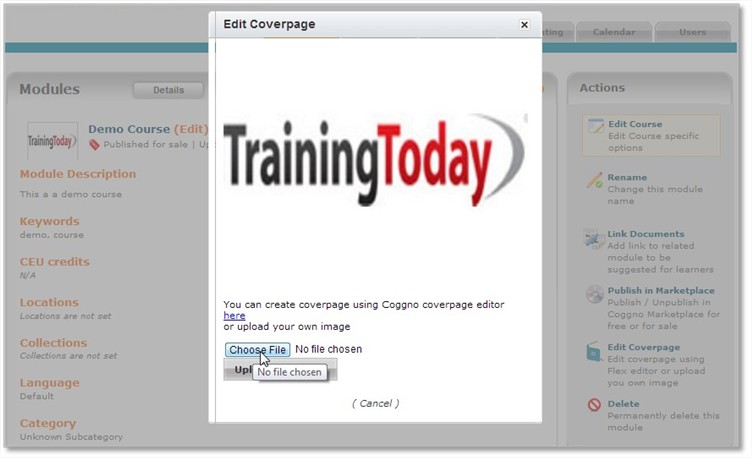
2. Choose an image file for your new coverpage
3. Click on the Upload an Image Button and then your coverpage will automatically be changed.